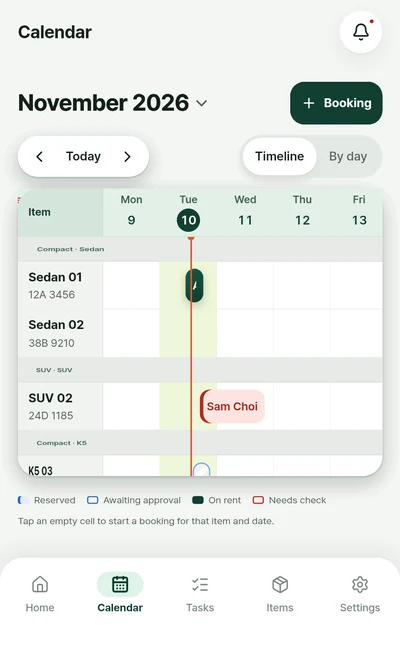
Timeline calendar per item
Items down the side, dates across the top. One bar shows when each item is out and when it is free. Tap an empty cell to start a booking for that item and date.
Booking and operations for solo rental businesses. See which items are free on a calendar per item, stop overlapping bookings before they are saved, and keep handover and return records with photos.
Free · Android · 6 languages
Features
Taking a booking, handing it over, getting it back. The daily routine, organised into four screens.
Items down the side, dates across the top. One bar shows when each item is out and when it is free. Tap an empty cell to start a booking for that item and date.
If the dates overlap, the app shows whose booking it clashes with and does not save it.
Overlapping dates · not saved
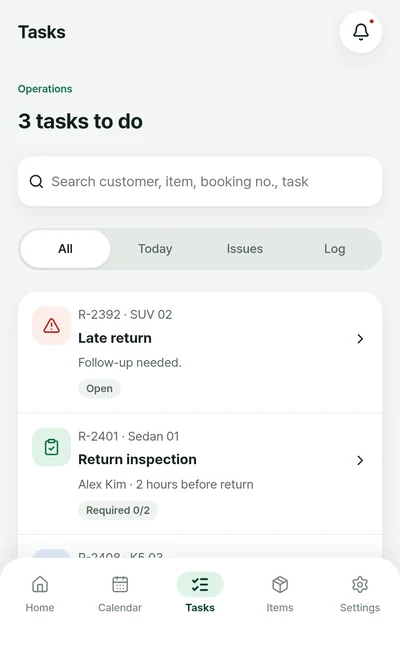
Right after booking, 2 hours before pickup, 2 hours before return. Tasks arrive in your list in order.
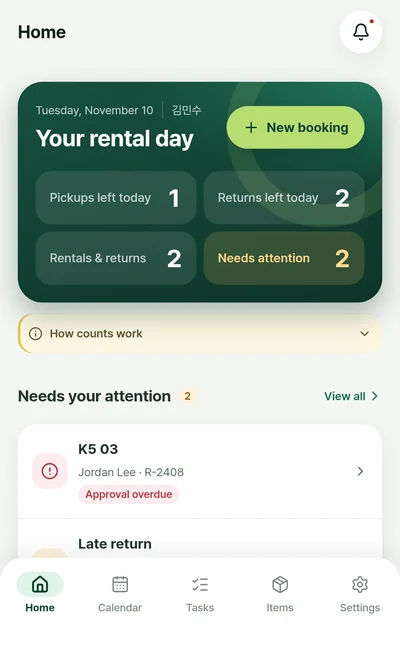
Remaining pickups, returns and anything that needs a check, right on the home screen.
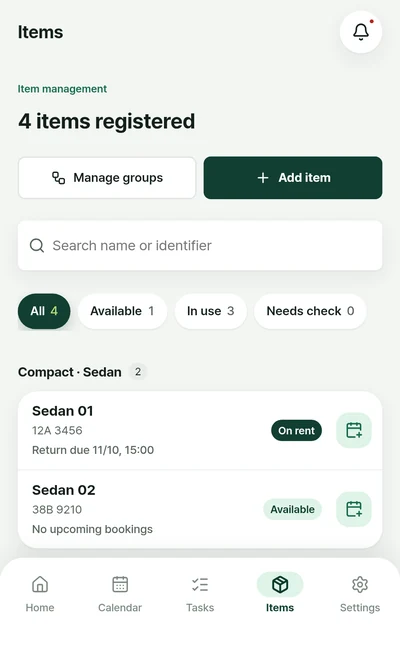
Available, on rent and needs check, grouped the way you rent them.
Bookings, checklists and original photos are stored on your phone. Work data is not uploaded to a server.
The app and this page come in the same six languages.
Use cases
Sample scenarios of a day run on the app's industry templates. Each step's items can be changed to a check, photo, number, choice, note or signature.
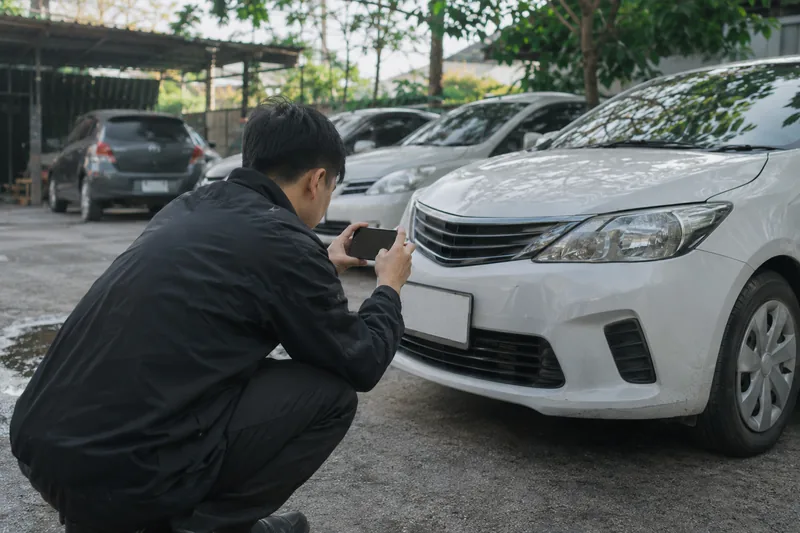
Sample scenario · Rental cars · car sharing
When weekend bookings pile up it is easy to book the same car twice, and at return it is hard to prove when a scratch appeared.
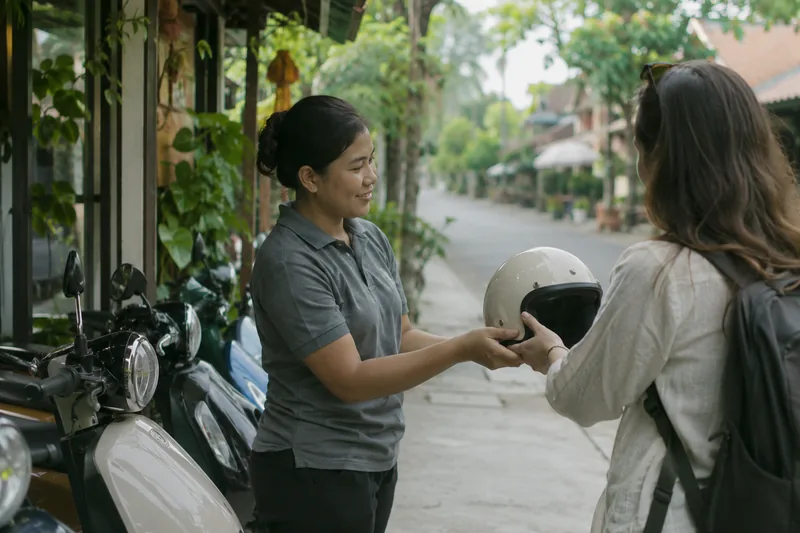
Sample scenario · Scooters · motorbikes
In high season pickups bunch up in the morning, and it is easy to skip the licence check or forget the helmets.

Sample scenario · Stays · studios · meeting rooms
With a short gap between check-out and the next check-in, cleaning and supplies get missed, and lost-item questions are hard to answer.
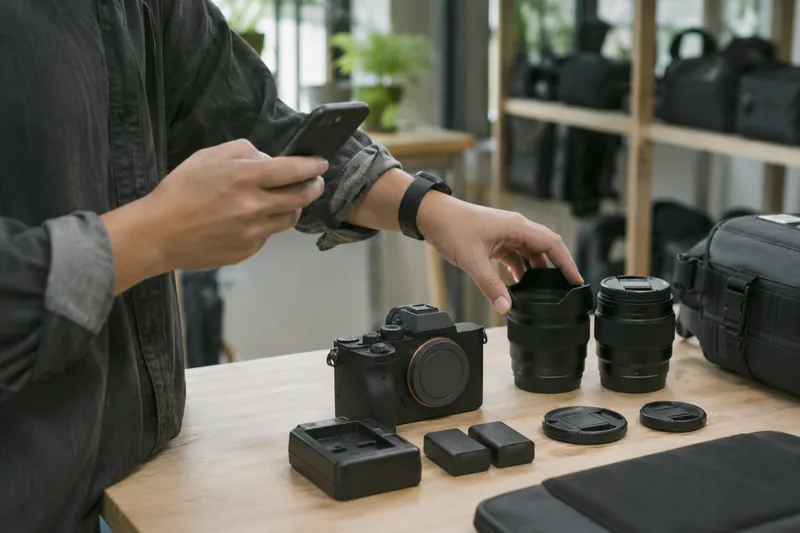
Sample scenario · Cameras · tools · camping gear
Batteries, lens caps and chargers are small and many, so at return it is hard to tell what is missing.
Scenario photos are AI-generated illustrations.
Pricing & data
Every feature is free to use. Here is plainly what is included and what is not.
Sign-in uses a Google account. Original photos are not included in the export file.
Free
$0Every feature
Get it free onGoogle PlayNot included
The calendar gained a timeline view per item, and the home, booking and booking-detail screens were redesigned. The typeface changed to the easier-to-read Pretendard.
Yes. Every feature is free to use.
You sign in with a Google account. It is used to confirm your account; work data is not synced to the cloud.
For now it is a single-device app. Team sharing and automatic sync between devices are not available.
Export your work data as a JSON file in Settings and import it on the new device. Original photos are not included in the file.
Only Android is available for now.
In the app's settings you can delete your account and delete this device's data separately. See the Account deletion for details.

Pick your industry and add your first item to get going.
Get it free onGoogle Play